
Introduction
Google My Business is one of the most powerful tools for local businesses today. When customers search for services near them, your business profile can appear in the top results and on Google Maps.
That visibility directly affects phone calls, website clicks, and store visits.
If optimized properly, Google My Business can become a consistent source of high-intent local leads without spending heavily on paid advertising.
In this guide, you’ll learn 10 powerful strategies to improve your listing and boost your local presence quickly.
Why Google My Business Is Essential for Local Growth
Its allows businesses to manage how they appear in search results and Maps. When someone searches for “best café near me” or “digital agency in Delhi,” local listings appear before regular websites.
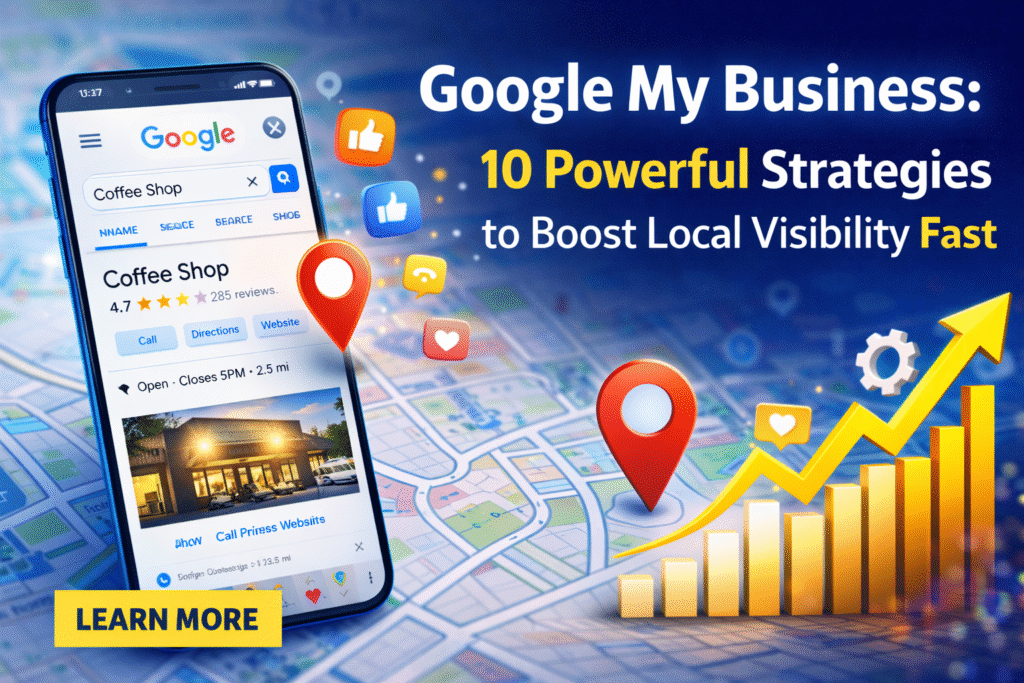
These listings show:
- Business name
- Reviews and ratings
- Contact details
- Directions
- Website link
Appearing in this section builds immediate trust. People are more likely to contact businesses with complete and optimized profiles.
1. Claim and Verify Your Google My Business Profile
The first step is claiming ownership of your listing.
Verification confirms you are the official business owner. Without verification, you cannot fully control your Google My Business account.
Complete this process through postcard, phone, or email verification. This ensures your information is secure and accurate.
2. Optimize Your Google My Business Information Completely
Incomplete profiles rank lower.
Make sure your listing includes:
- Correct business name
- Accurate address
- Updated phone number
- Business hours
- Website URL
- Proper primary and secondary categories
Category selection is extremely important. It determines which searches your profile appears for.
Consistency across your website and directories strengthens your credibility.
3. Write a Keyword-Optimized Business Description
Your business description should clearly explain:
- What services you provide
- Who you serve
- What makes you different
Keep it natural and informative. Avoid stuffing keywords.
A well-written description improves engagement and helps your Google My Business listing stand out from competitors.
4. Add High-Quality Images to Google My Business
Photos increase trust significantly.
Businesses that upload real, high-quality images receive more clicks and direction requests.
Upload:
- Exterior photos
- Interior images
- Team pictures
- Product or service visuals
Update images regularly to show activity.
Image Alt Text Suggestion:
It optimized local storefront listing example
5. Collect and Respond to Reviews on Google My Business
Reviews are a major ranking factor.
Encourage satisfied customers to leave honest feedback. After completing a service, politely request a review.
Respond professionally to both positive and negative comments.
Active review management strengthens your Google My Business presence and builds trust.
6. Post Regular Updates on Google My Business
Many businesses ignore this feature.
However, posting regularly signals activity and engagement.
Share:
- Promotions
- Events
- Announcements
- New services
- Blog updates
Treat Google My Business as an active communication channel rather than a static listing.
7. Strengthen Local SEO Signals Around Google My Business
Your website and listing must support each other.
To improve rankings:
- Use location-based keywords on your website
- Maintain consistent NAP (Name, Address, Phone)
- Get listed in trusted local directories
- Build local backlinks
Internal Link Suggestion:
Link to your article on “Complete Local SEO Strategy Guide”
External Dofollow Resource:
Google Business Help – https://support.google.com/business
These actions reinforce the authority of your Google My Business profile.
8. Use Google My Business Insights to Improve Strategy
Insights provide valuable performance data.
You can track:
- How customers found your listing
- What keywords they used
- Phone calls generated
- Website clicks
- Direction requests
This data helps you refine your marketing decisions.
Instead of guessing, use real numbers to improve performance.
9. Add Products and Services Properly
The services section improves clarity.
For each service:
- Use clear titles
- Add short descriptions
- Include pricing if possible
Detailed service information makes your Google My Business listing more informative and conversion-friendly.
10. Enable Messaging and FAQs
Direct messaging allows customers to contact you instantly.
Quick responses improve engagement and trust.
Adding frequently asked questions helps customers get answers without calling.
An active and responsive Google My Business account signals professionalism.
Advanced Google My Business Optimization Tips
To stay ahead:
- Update business hours during holidays
- Monitor competitor listings
- Encourage customers to upload photos
- Track local rankings monthly
- Remove outdated information
Small consistent updates produce long-term results.
Common Mistakes to Avoid
Even strong businesses make errors.
Avoid:
- Ignoring reviews
- Choosing wrong categories
- Leaving profile incomplete
- Inconsistent contact information
- Overusing keywords
Natural optimization always performs better than aggressive tactics.
Final Thoughts
Google My Business is more than just a directory listing. It is a powerful local marketing platform.
When optimized correctly, it increases:
- Visibility in local search
- Customer trust
- Calls and inquiries
- Website traffic
- Store visits
By applying these 10 powerful strategies consistently, you can transform your local presence and generate steady leads.
Start optimizing today and monitor your results regularly. With the right approach, Google My Business can become your strongest local growth channel.